ABOUT OVERDRIVE · BUILD IT. LEARN IT. DRIVE IT.

Your garage.
Your line.
Your drive.

Overdrive is a free 3D browser racing game built around fictional cars, visible customization and roads with different rhythms. Tune a car, take a solo run, or bring friends into a race room.

No game download. Guest play available. The game needs a browser with WebGL 2 support.

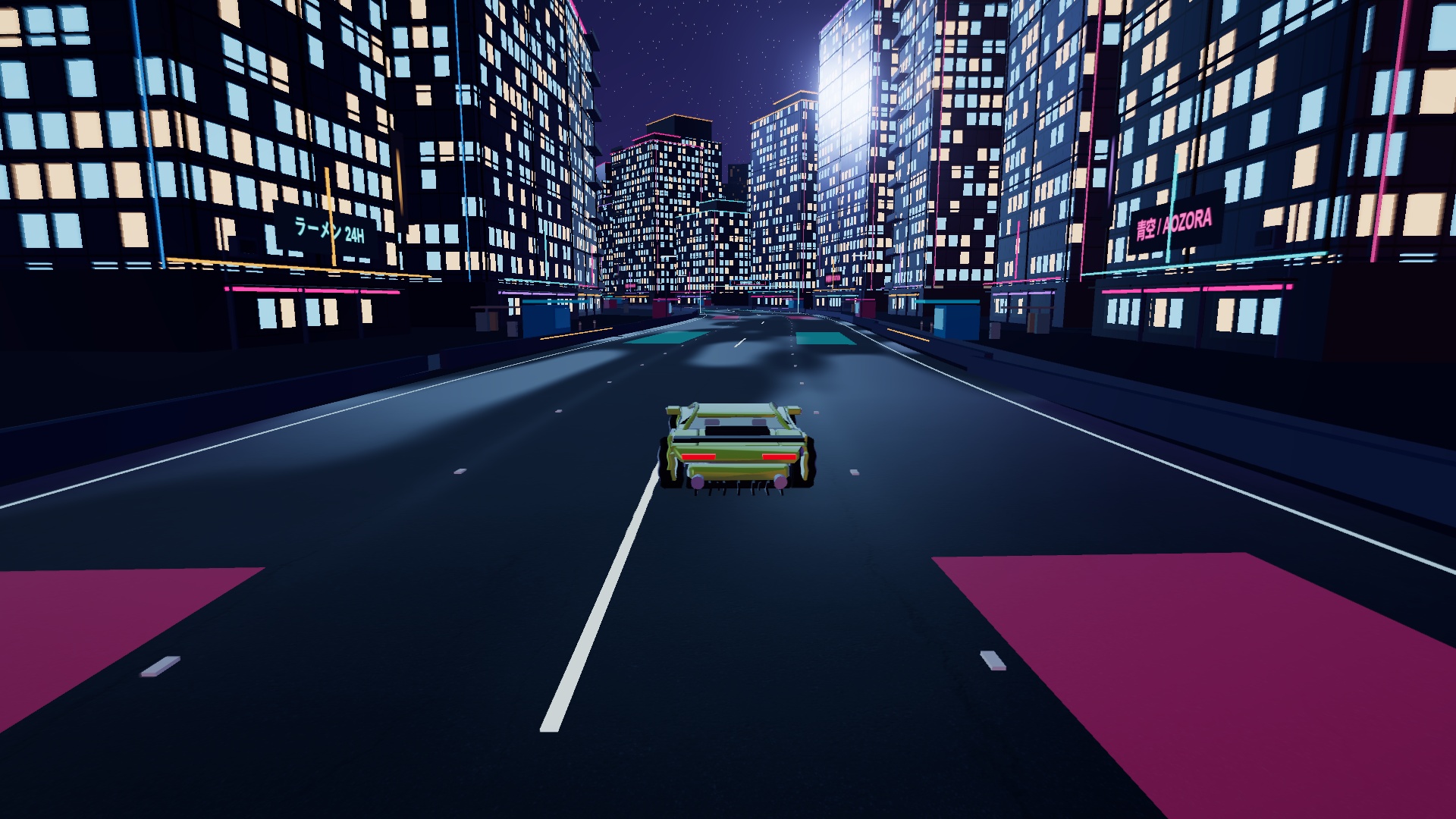
A Vector driving through Shinsei Night Run's illuminated cityCaptured in Overdrive
Shinsei Night Run · Vector01 / THE DRIVE
43fictional cars to explore
14race routes, 18 checkpoints each
2–4drivers per race room
Free playtry every car at Velocity Test Park

START WITH A PURPOSE

Find your kind of run.

A fast time, a better build, a shared starting grid. Choose the mode that gives you room to practice what matters.

01 / SOLO

Learn a road.

Select a route and run a time trial, or add one to three bot opponents with Easy, Normal or Hard difficulty. Follow the ordered checkpoints and use the minimap to prepare for the next change of direction. Finishing cleanly is a useful first goal.

Meet the 14 routes
02 / FREE TEST TRACK

Try before you tune.

Velocity Test Park makes every car and part available for testing. Compare a factory build with a new tire, gearbox or NOS setup without replacing your career garage. Test laps have no cash rewards or public leaderboard entries.

Understand the upgrades
03 / MULTIPLAYER

Bring your friends.

Host a room for up to four drivers, choose the route and rules, then share an invite or room code. Each driver readies up; the host starts the race. Try factory builds, random builds or the option that lends everyone the full garage.

Set up a race room
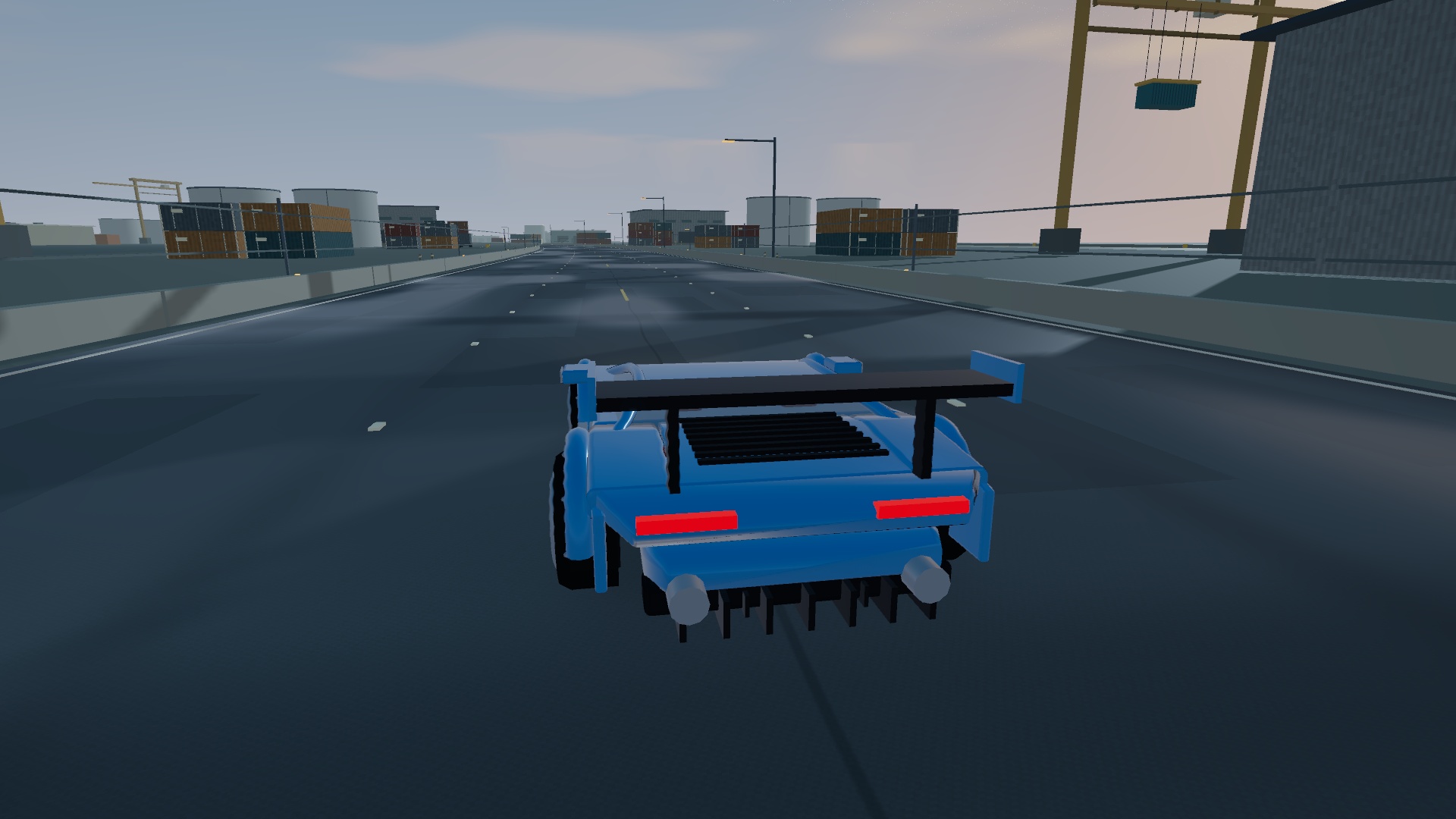
A blue Spectre with fitted modifications driving through Port Meridian
A modified Spectre on the road in Port Meridian.

MORE THAN A PAINT COLOR

Make the build
feel like yours.

The garage combines paint, decals, wheels and aero with modeled performance changes. Tires add grip, brakes change stopping force, and gearing trades stronger pickup against speed on long straights. More power is one choice; a car you can place consistently is another.

Use the 3D preview to inspect a part, listen with Hear engine + test effects, and confirm Buy & fit when you are ready. Paint colors are free. Career cars and part variants use in-game CR.

Read the garage guide

A DIFFERENT RHYTHM ON EVERY ROAD

From city light
to the last light.

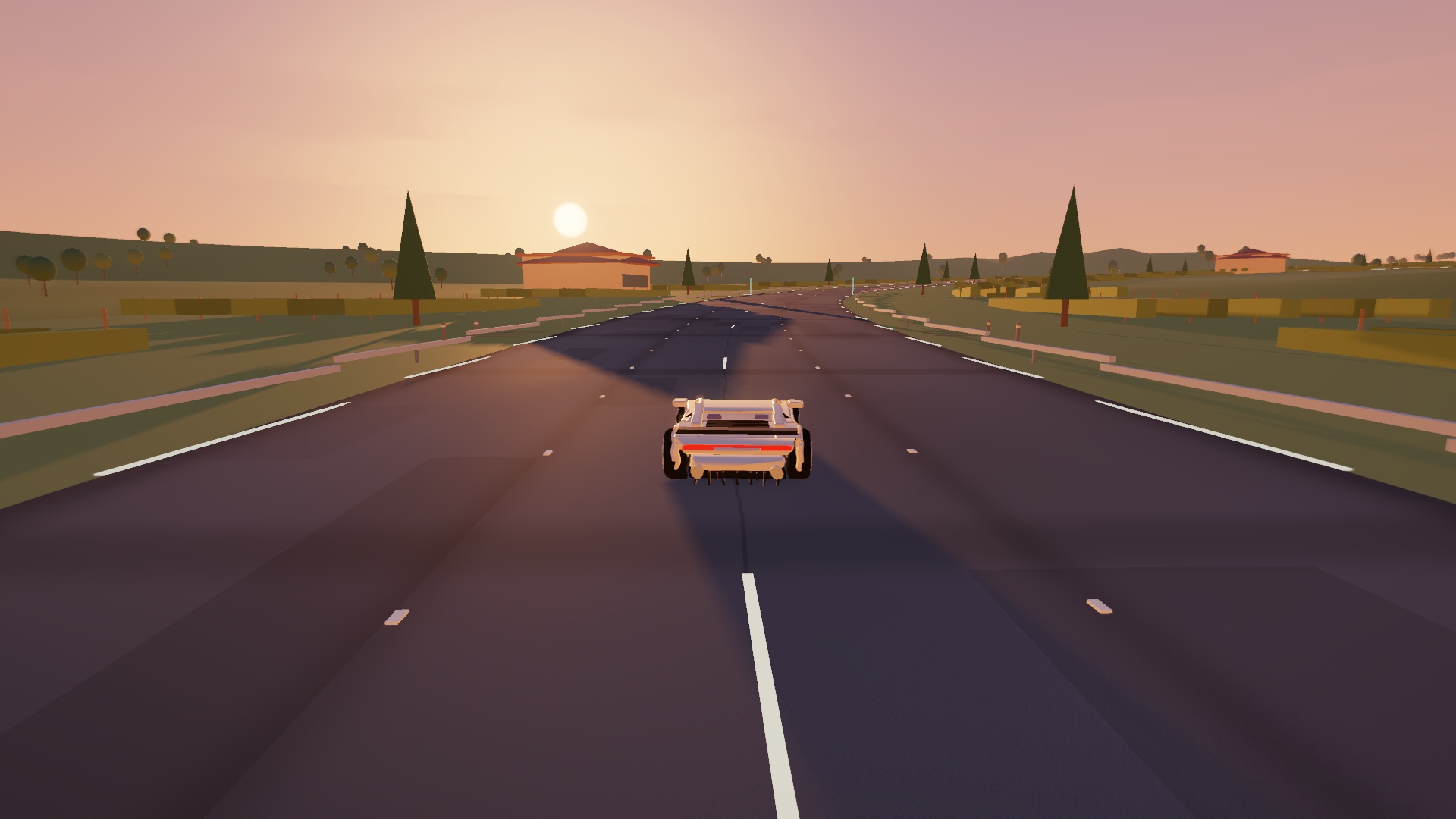
Shinsei Night Run takes the race into a lit city. Valle d’Oro crosses a vineyard in golden evening light. Kuroyama Pass climbs into a misty forest, while Cinder Valley runs through sandstone country. Circuits, waterfronts and an airfield round out the race selection.

Each race uses 18 checkpoints in order. Read the road on a first lap, brake before the corner, and save your fitted NOS for a section you can see clearly. The route guide explains the settings and gives practical starting points for all 14 venues.

Choose your next route
An Aurora driving on Valle d’Oro's vineyard road in warm sunset light
Valle d’Oro · Aurora. Actual game scenery and lighting.

BEFORE YOUR FIRST RUN

A browser and a little room to learn.

Drive with a keyboard, touch controls or a browser-compatible controller. Settings → Controls & binds also lets you change keys and calibrate a supported racing wheel. Wheel support depends on your browser and device driver; force feedback is not included.

For a slower phone or laptop, start with Ultra Low or Low graphics. Keep the multiplayer host's tab open and device awake. Cloud careers, purchases and online rooms depend on their network services.

Start with the driving guide
Do I need an account?

No. Choose Play as guest to begin. A registered account adds career recovery and access across devices. Guest and Google careers are separate, so sign in to the intended account when returning. Clearing browser data can lose access to an unlinked guest career.

What can I customize?

The garage has 25 categories, from forced induction, brakes and tires to paint finish, special decals, trim and hydraulics. Parts have different effects and prices. Free test-track builds let you explore the whole catalog before choosing your career purchases.

How does drifting work?

A deliberate handbrake input starts the drift mode. Release it to let rear grip recover, then use steering and throttle to settle the car. Sharp steering alone does not activate drift mode. Overdrive uses arcade handling rather than a detailed tire or damage simulation.

What is Motor Social?

It is a separate online car-meet venue with parking bays, a drift apron and an outer track. Up to 50 drivers can bring their owned builds, see other cars and use plain-text chat. It uses a managed online service rather than a player-hosted race room.

THE FIRST LAP IS YOURS

Pick a car. Get to know it.

Try the free test track, or choose a route and start a solo run.

Play free